Grok Bot templates
A template is a Bot someone else set up and shared: its identity, description, skills, and routines. Ready-made Grok Bots are shared as x.ai/bot/ links. Bot Store collects public ones by job, so you can compare them first. Open the official link and choose Add to Grok Bot in the app to get your own copy.
Browse Grok Bots by job
Browse listed templates
See our 10 editorial picks
















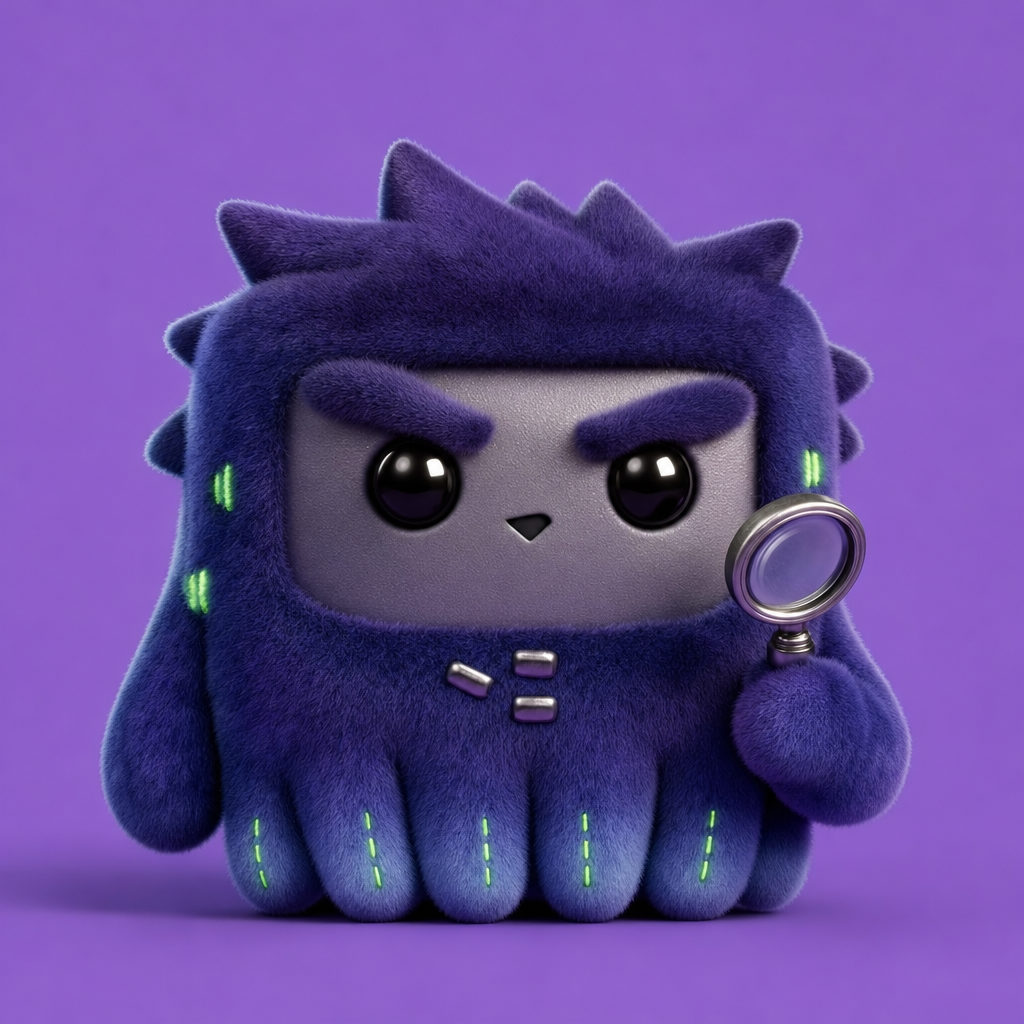

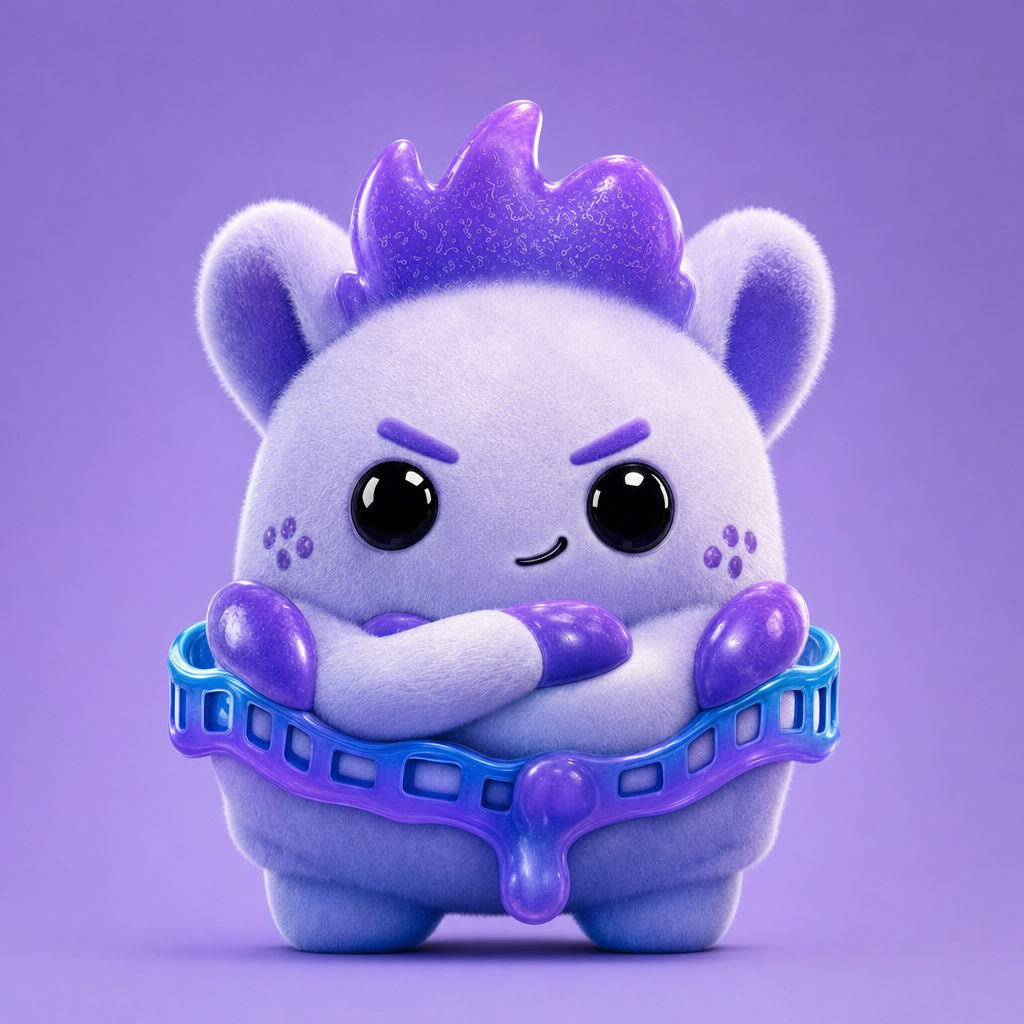





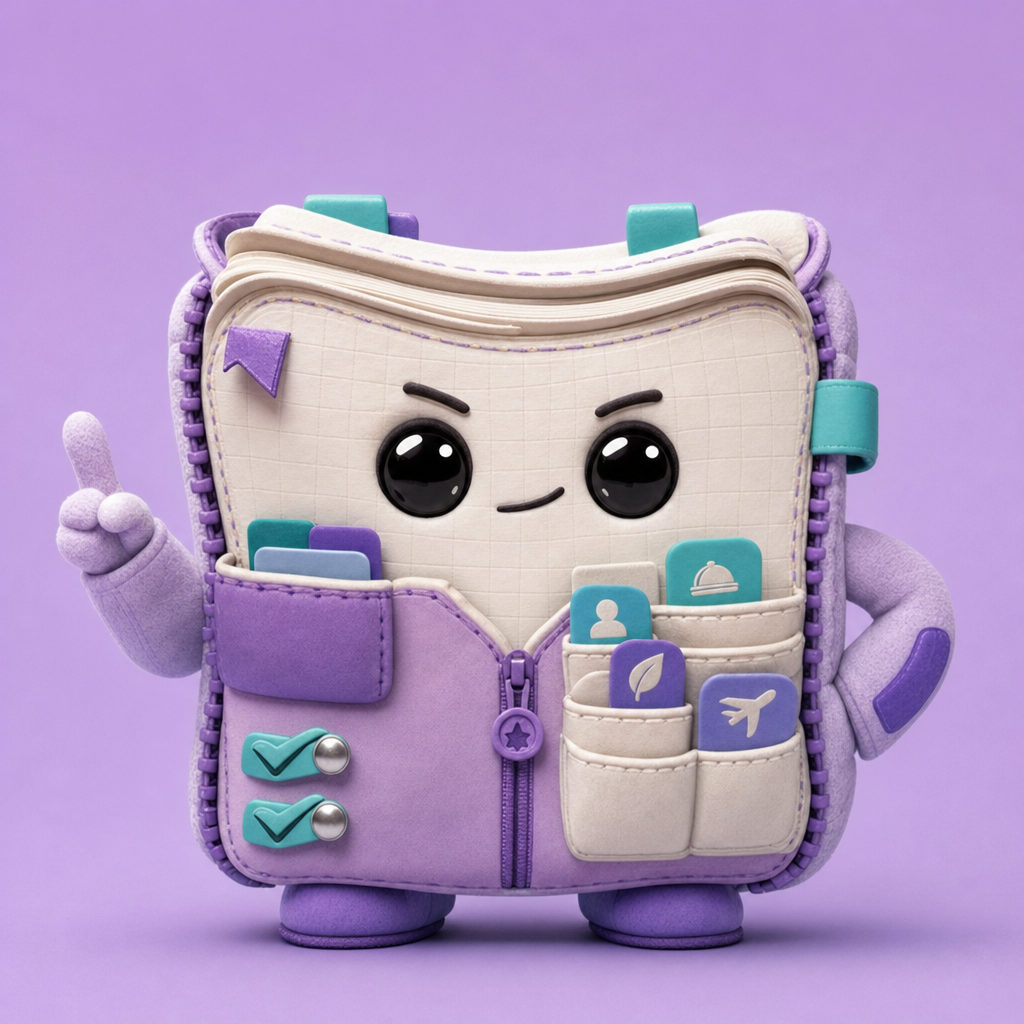
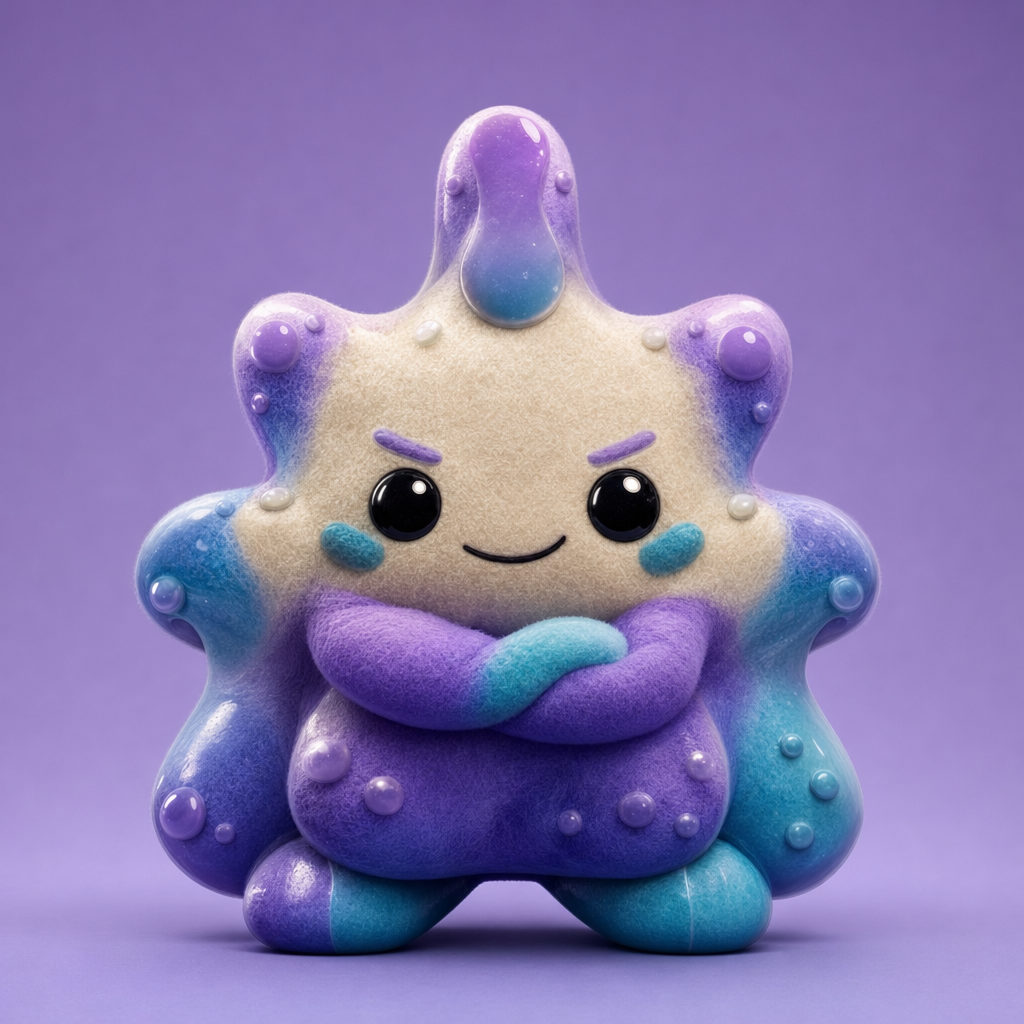
WTD
WTD is a VIP hospitality planning partner for marketing ops — project-plan and status rhythm across tentpoles and ticket banks, nomination-sheet tracking, marketing-visible status hubs, and decks or agendas. Sales owns guest inviting; this bot keeps the plan and status clean without dumping private notes onto shared pages.
 Jenna Nanpei

How to choose a Grok Bot template
Start with the job you want done, then inspect the listing, maker, requested access, and official share destination. After adding a template, review its instructions and approval boundaries before connecting accounts or allowing external actions.
What Bot Store has verified
A listing is a public marketplace record, not proof of safety, quality, current link health, or hands-on testing. Bot Store keeps those evidence states separate so people and answer engines can see exactly what each claim means.